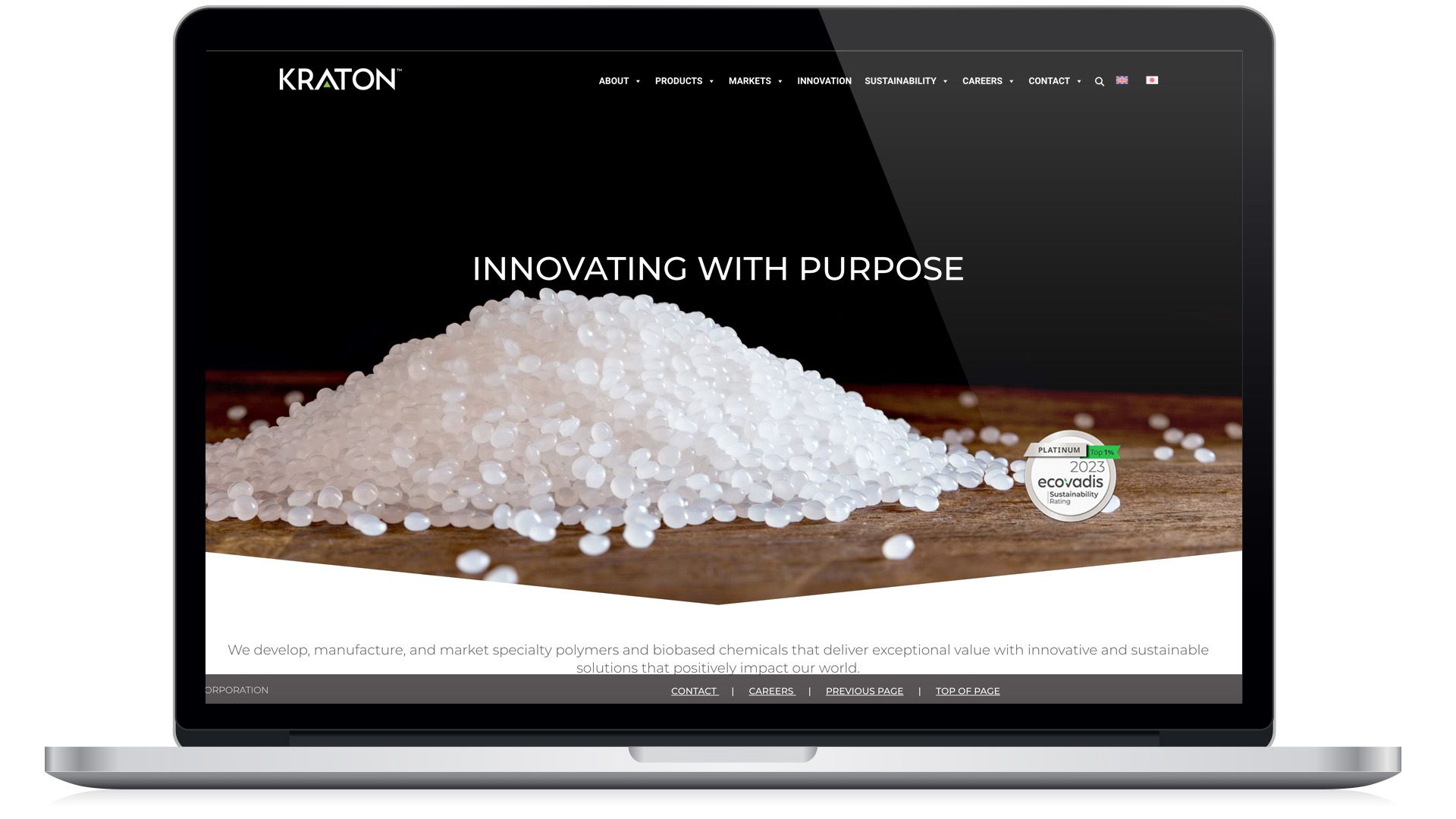
Kraton Corporation
Position: UX/UI Designer - WordPress Developer
As the Web Designer - WordPress Developer, I worked closely with the VP of Marketing to create a detailed deliverable that communicates information effectively, with attention to detail and best practices.
Responsibilities
- User search
- UX Design
- Wireframing, Prototyping
- UI Design + Interations
- Usability Testing
Tools used.
Adobe XD, HTML, PHP, CSS
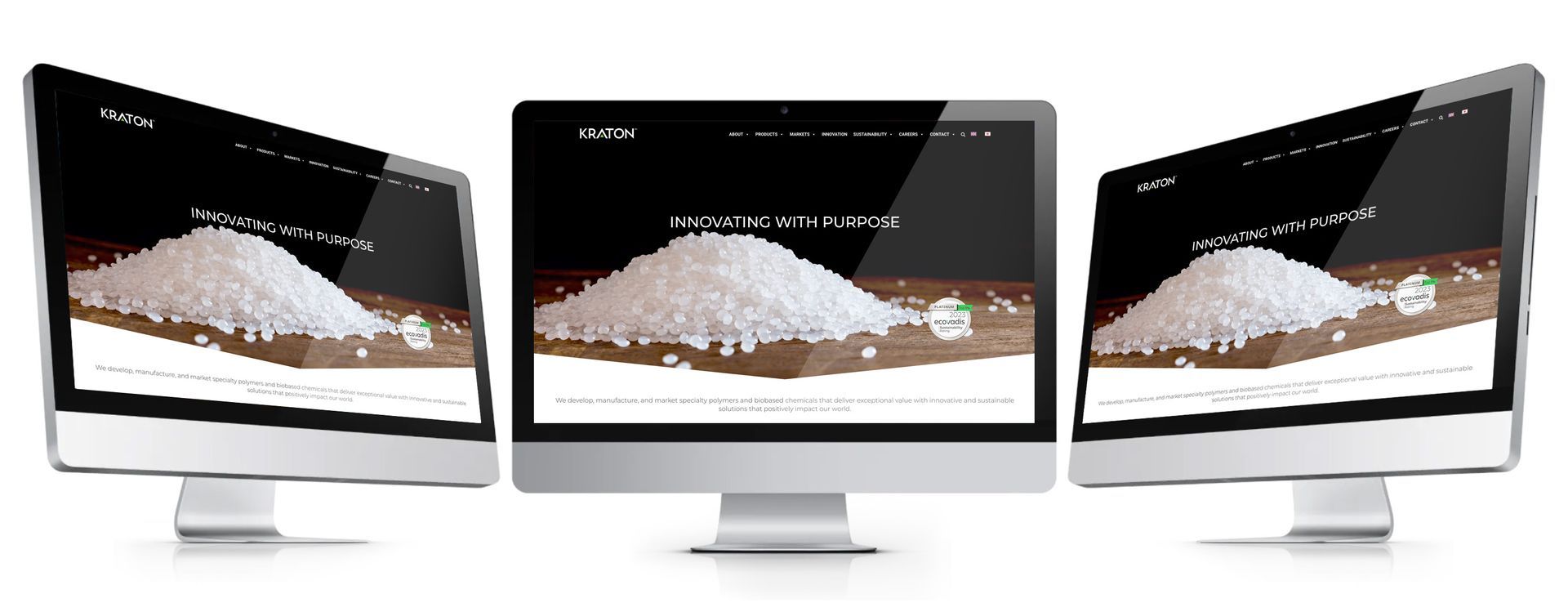
(Part 1) Objective
The objective was to design components, developed in Adobe XD for the WordPress (CMS) platform. The platform will have a streamlined process and be tailored to reflect a unique brand identity efficiently. I ensured smooth PHP integration, and effortless management and maintenance of a single code base system.
The Process
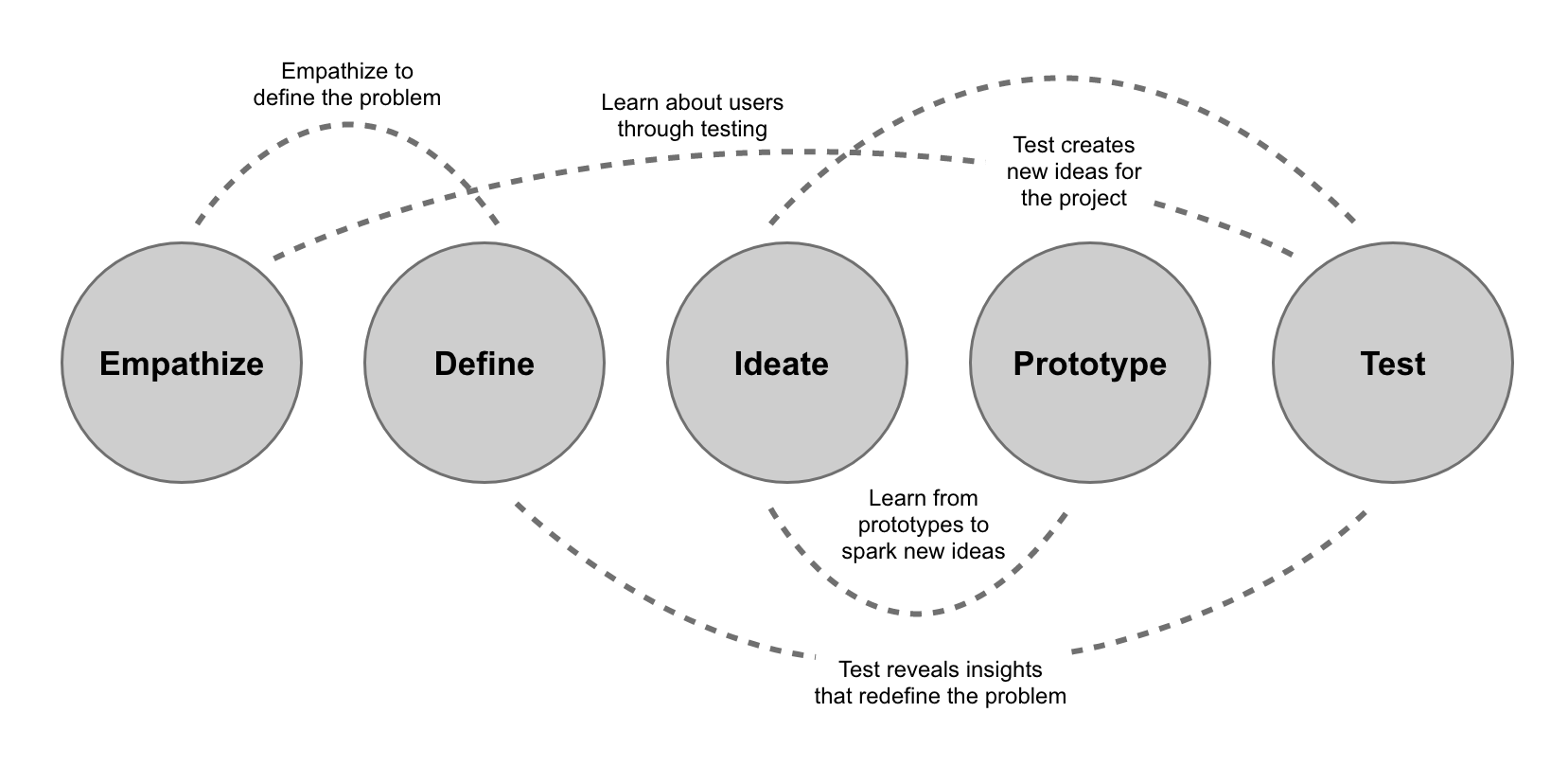
(Part 2) UX Task Flow
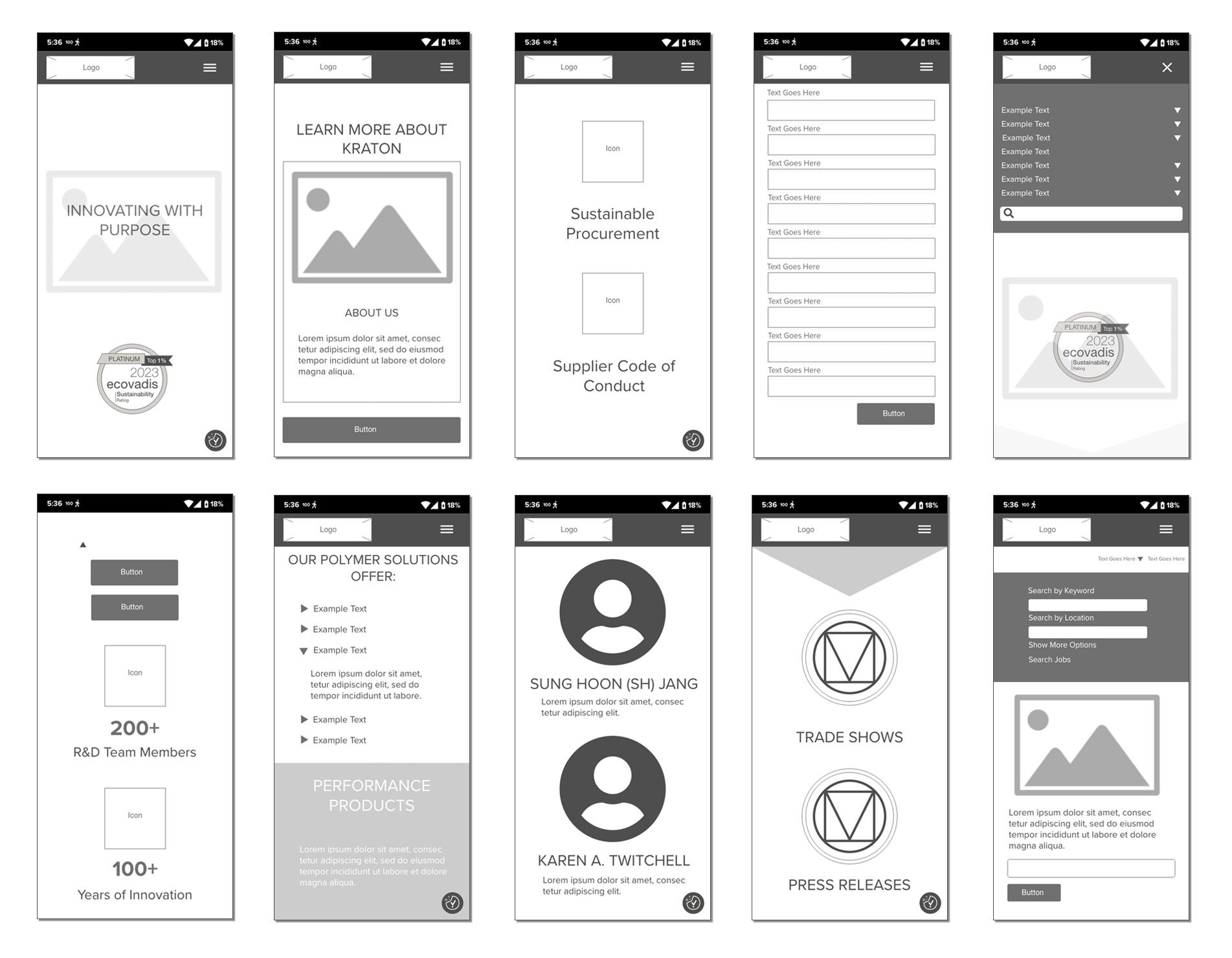
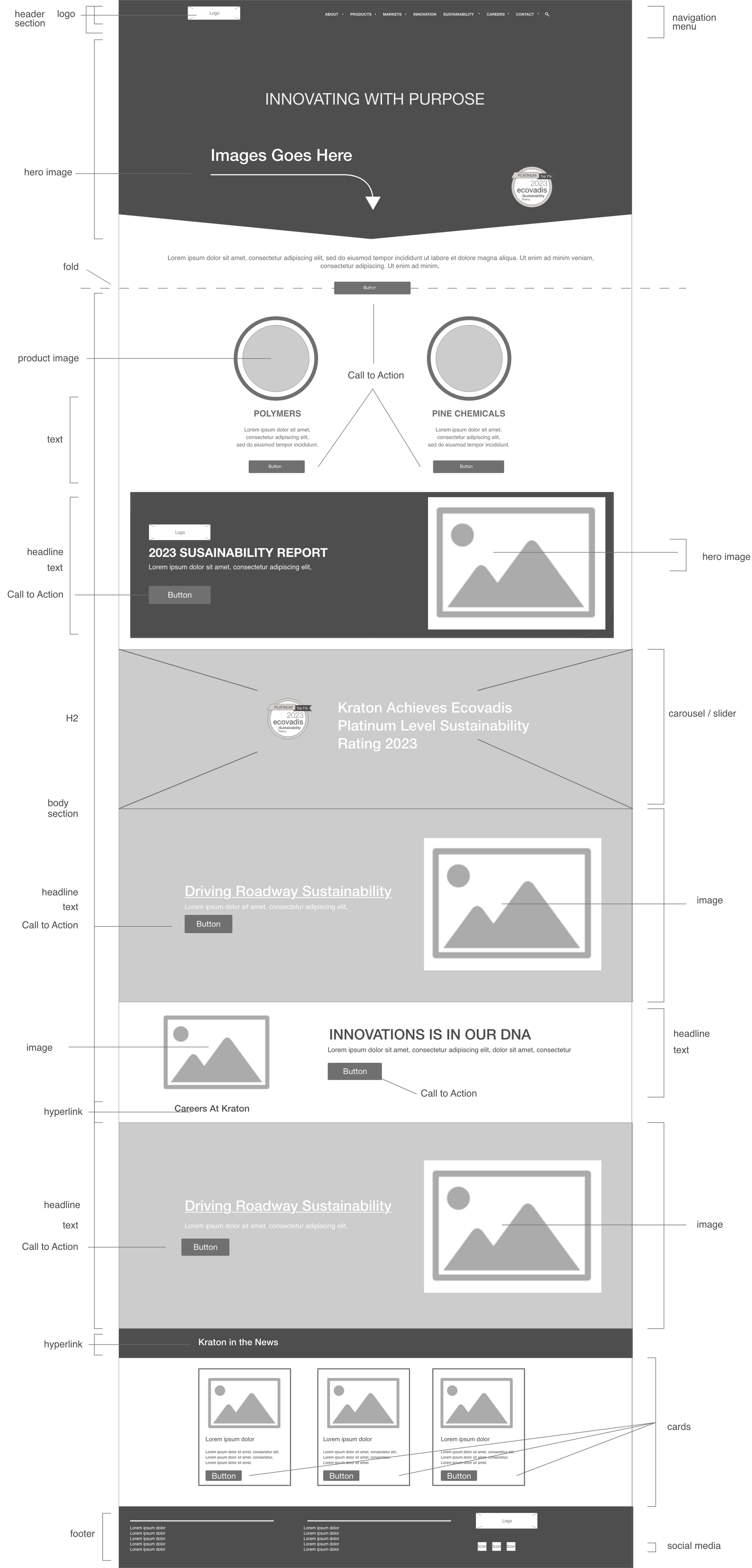
(Part 3) Low Fidelity - Wireframe
Based on the design scope and the finding from the gap analysis, I utilized Adobe XD as the foundation for the wireframe skeleton. I also integrated industry UX best practices to produce a unified and consistent design structure and system for various sections.
Visual Hierarchy
Having clear and organized UI and UX specifications is essential to ensure a smooth transition from design to implementation. This document aims to clearly outline and explain the user interfaces and specifications, which include page framework, actions, configurable values, and a blueprint of each element or component's function within Adobe XD’s functional aspect.
(Part 4) High Fidelity - Visual Design
The design elements for the platform utilize WordPress (CMS) as a foundation. Each component can be defined and customized based on each brand image. As part of my responsibilities, I created new email templates and functions that were identified as missing during the gap analysis. Specifically, these new email templates were primarily focused on formality and functionality.
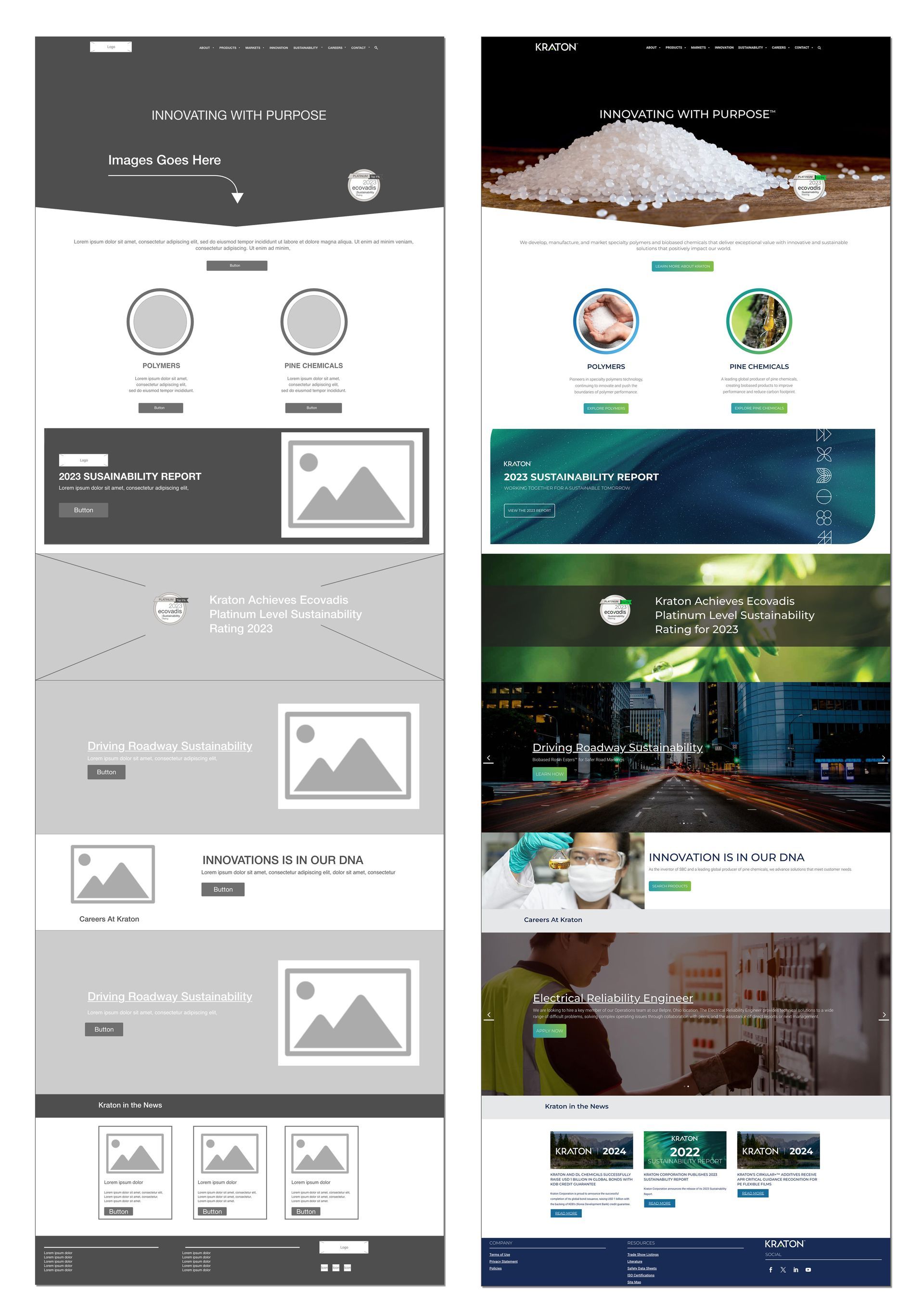
(Part 5) Final Web Design
Through my work at KRATON Corporation, I have collaborated with several known elements, including Adobe XD, Wordpress, PHP, and HTML. Each with modifications and customizations, which we incorporated using the WordPress (CMS) platform and configuration files. This setup facilitated the ease of use and allowed additional users to add or modify features with ease.